Let’s be honest with each other for a second: technical education in the twenty-first century has given us an absurd paradoxical tension. On one hand, we have democratized information to the point where anyone with an internet connection can learn to build a multi-million-dollar web application from their bedroom. On the other hand, we have systematically crippled our own capacity for independent problem-solving.
In the software engineering community, this tension manifests as a dark, swampy purgatory affectionately known as Tutorial Hell.
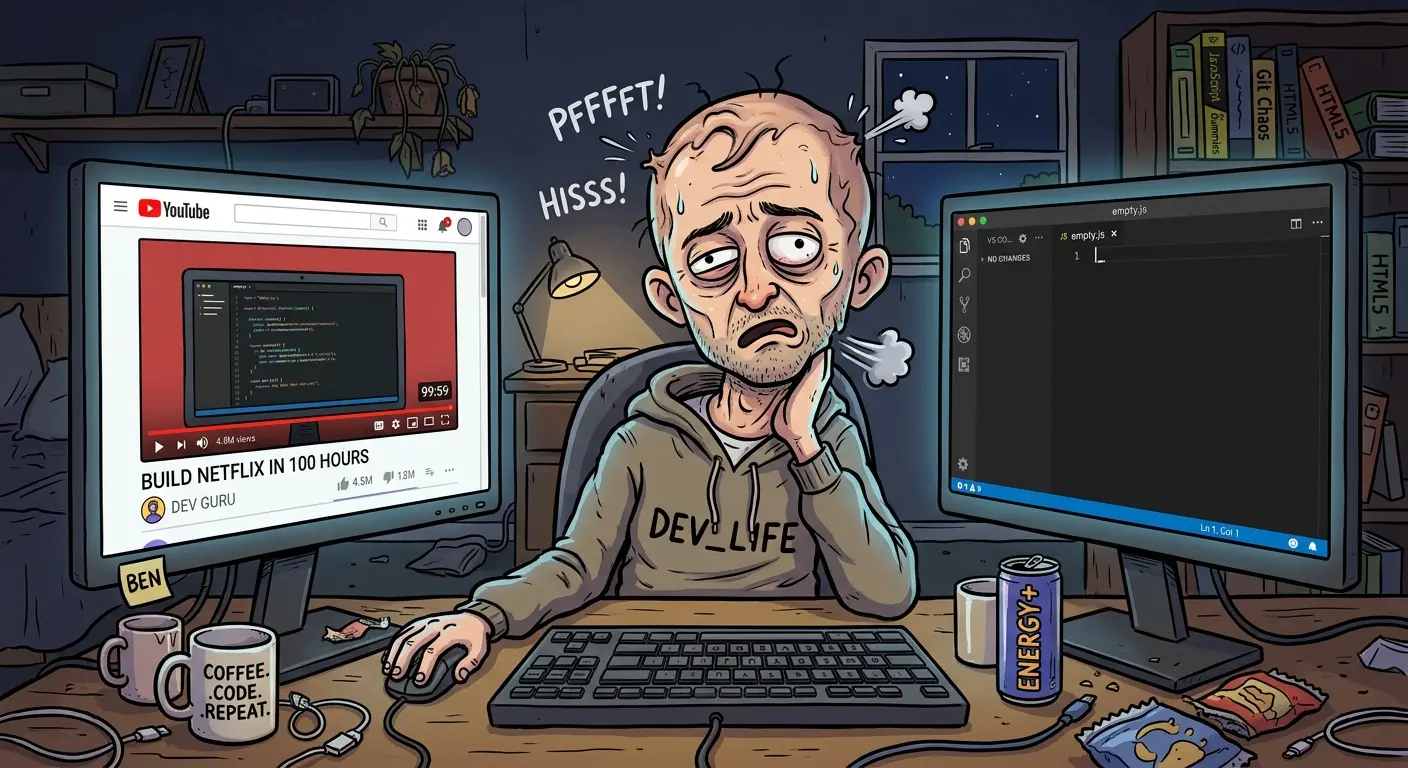
Tutorial Hell is that recursive, endless loop where you passively devour hours of video courses, step-by-step documentation, and interactive coding playgrounds, feeling like an absolute coding deity the entire time. But the second you close the video tab, open a blank code editor, and try to build something on your own... your brain instantly wipes itself clean like a freshly formatted hard drive. 😄
If you’ve ever sat through a 100-hour mega-course on YouTube—complete with 47 different projects you meticulously copied line-by-line—and then realized you couldn’t even set up a basic HTML page without Googling the syntax, welcome. Pull up a chair. You are in Tutorial Hell, and it’s time we dig our way out.
The Illusion of Competence: Why Your Brain Loves Fake Progress
To understand why we fall into this trap, we have to look at the neurological difference between recognition and recall.
When you sit back, sip iced coffee, and watch a charismatic senior developer explain complex data structures or microservice architectures, your brain uses recognition. The instructor’s explanation is smooth, logical, and structured. Your brain nods along and says, "Ah, yes. I recognize this logic. I am clearly a genius."
This is what psychologists call the illusion of competence. You mistake the instructor’s ability to explain something clearly for your own ability to reproduce it from scratch.
To make matters worse, your brain’s reward system is actively playing mind games with you. Every time you complete a tutorial section, check off a module, or get a green "Success!" checkmark in an interactive exercise, your brain squirts out a tiny hit of dopamine. You get the exact same neurological high as someone who just shipped a real production feature, except you haven't actually built a single thing on your own!
Meanwhile, real software engineering—the messy, frustrating, painful process of staring at an obscure error stack trace for three hours until you realize you misspelled a variable name—feels agonizingly low-dopamine. So, your brain naturally runs back to the warm, comforting embrace of another tutorial.
The Risk-Free Hand-Holding Trap
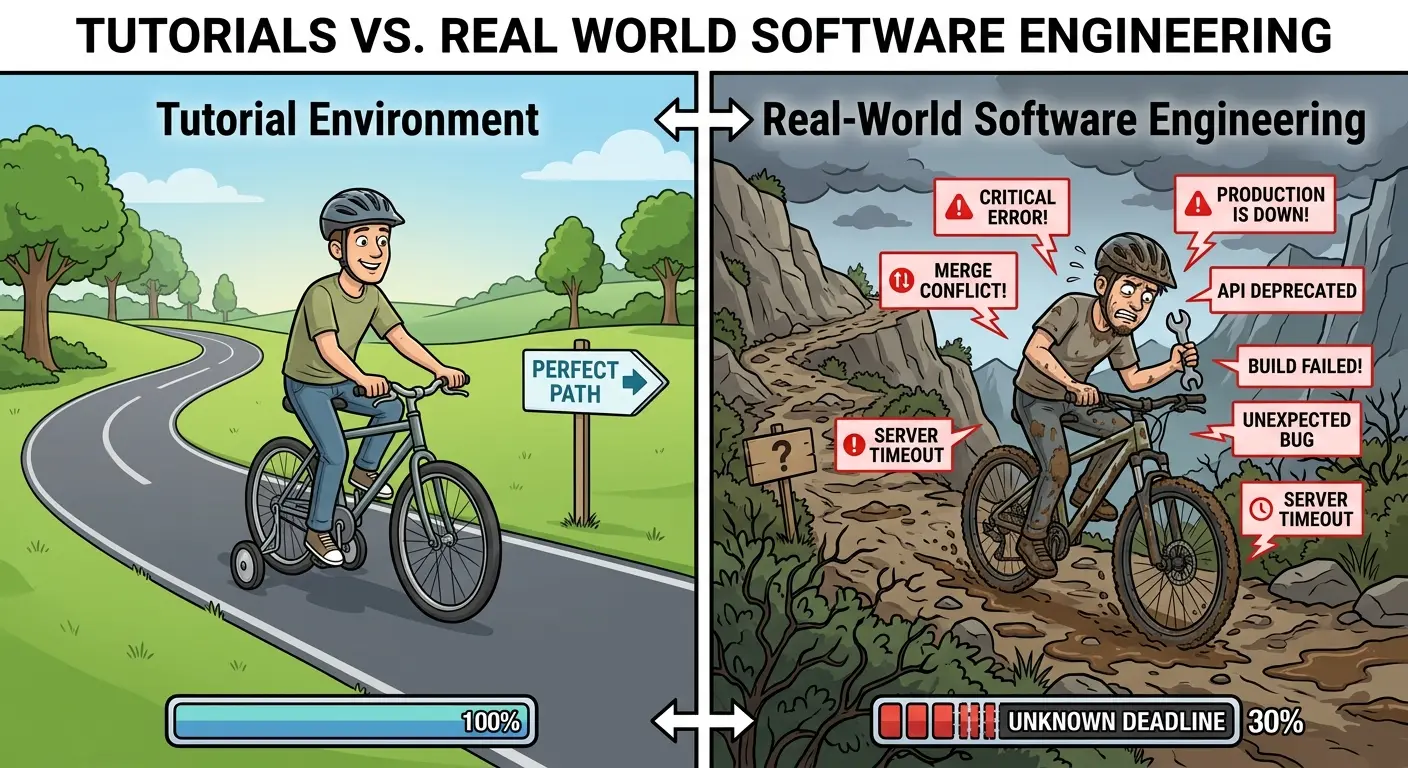
Tutorials are, by design, completely sanitized, risk-free environments.
The instructor has already done all the agonizing intellectual labor for you. They’ve researched the optimal packages, designed the database schema, written clean abstractions, and silently debugged all the nightmare setup errors before hitting the record button.
When all that cognitive friction is stripped away, your learning process loses the exact resistance it needs to form permanent neural pathways. Learning science shows us that optimal retention happens when a task is hard enough to force deep thinking, but not so impossibly hard that you smash your keyboard in despair.
Most tutorials operate way below that difficulty threshold. They give you a hand-holding tour through a pristine garden, leaving you completely unprepared for the real-world jungle where packages crash, APIs change their endpoints overnight, and documentation looks like ancient hieroglyphics.
Neurodivergence and the Executive Function Gap
This cycle gets exponentially more vicious for neurodivergent developers, particularly those with ADHD. When you combine tutorial dependency with variations in executive function, working memory, and dopamine regulation, the trap slams shut even harder.
If you have ADHD, your cognitive buffer for passive consumption fills up insanely fast. Switching back and forth between a 4K video player, a code editor, a browser tab, and Discord can burn through your mental battery in thirty minutes. By the time you’re supposed to start practicing, you're already hit with total mental burnout.
Furthermore, the famous ADHD "hyperfocus" can backfire here. You might hyperfocus for twelve straight hours on a video playlist, feeling a profound sense of hyper-productivity, without ever engaging in the low-stimulation, uncertain task of starting an unguided project. Moving from the hyper-structured, high-reward world of a video to the ambiguous, silent vacuum of a blank .js file feels like jumping off a cliff without a parachute. 😄
If this sounds like you, stop trying to force yourself into linear 8-hour study binges. Instead, use modulated micro-learning: cap your instruction intake at 15 to 20 minutes, and immediately force yourself to spend 40 minutes playing around in a sandboxed code editor to implement what you just saw before your brain moves on.
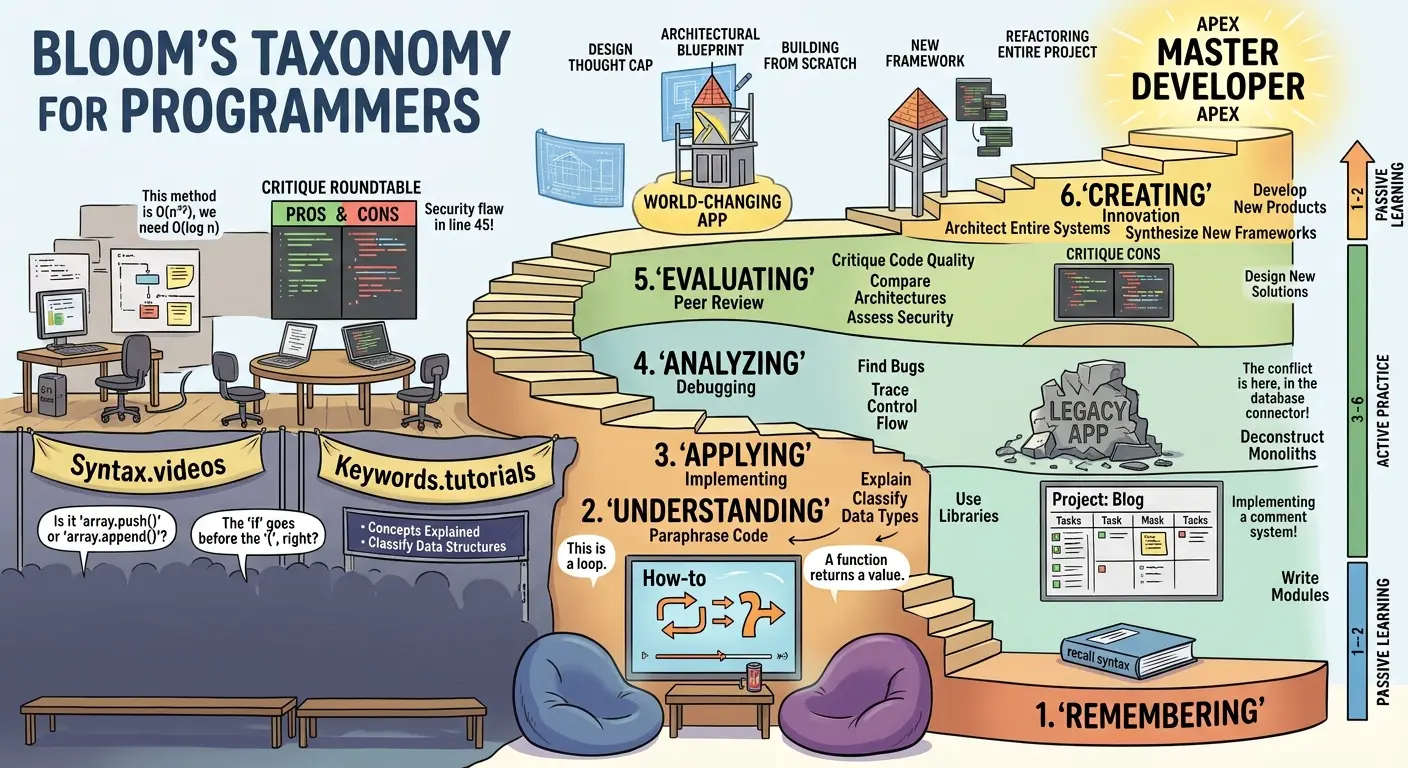
3 Practical Strategies to Escape Tutorial Hell for Good
If you want to break the cycle and transition from a passive spectator to an autonomous developer, you need structured frameworks that force your brain into higher-order cognitive processing. Here are three strategies that actually work.
Strategy 1: The Iterative Project Evolution (The 3-Pillar Strategy)
You don't have to leap directly from a 5-minute video to building the next OpenAI from scratch. Instead, use a gradual divergence model:
The Scaffolding Phase: Follow a basic tutorial to build a standard app (like a simple weather app or a to-do list). Get it working line-by-line.
The Expansion Phase: The moment the video ends, do not close the project. Force yourself to add three "tiny features" the instructor never mentioned. If it's a weather app, add a 5-day forecast toggle, a local storage search history, or a dark mode. This forces you to read official documentation and solve unguided problems while staying inside a code setup you already understand.
The Divergence Phase: Take the core engine of what you just built and mutate it into something completely different. If the tutorial taught you how to build a 2D platformer game, use those exact same concepts to build a top-down dungeon crawler. You’re using the same fundamental mechanics, but your brain is forced to adapt them to brand-new constraints.
Strategy 2: Deconstructive Analysis & Deliberate Debugging
Instead of building from scratch right away, become a code detective through reverse engineering.
Download a small, well-written open-source repository (around 300 to 1,000 lines of code). Open it up, pick a section, and intentionally break it. Delete a function, change a data pipeline, or remove a key dependency. Then, try to fix it.
Even better: introduce a sneaky bug into your own code, step away for 24 hours until you forget what you changed, and then try to debug it using only your console logs and debugger tools. This builds the exact "debugging muscle" that tutorials completely skip over, turning error messages from scary red blocks into helpful roadmap clues.
Strategy 3: The Feynman Technique (Pedagogical Transference)
You don't truly understand a concept until you can explain it in simple terms to a non-technical friend (or your very patient cat).
If you’re learning how APIs work, don't just memorize HTTP status codes. Map the concept to a real-world system you already understand: “An API is just a waiter in a restaurant. You (the client) look at the menu (the documentation), give your order to the waiter (the API request), the waiter runs back to the kitchen (the server/database), and brings back your food (the JSON response).”
When you translate abstract code concepts into tangible physical analogies, you stop memorizing syntax and start building deep mental models that stick with you for life.
The AI Frontier: Don't Trade "Tutorial Hell" for "Vibe Coding Hell"
We can't talk about learning in 2026 without addressing AI agents and prompt-based development. Tools like GPT-5 and advanced coding agents have given rise to "Vibe Coding"—the practice of prompting an AI to generate entire applications while you sit back and sip tea.
While AI acceleration is incredible, it creates a dangerous new breed of trap: Second-Order Tutorial Hell.
If you rely on AI agents to solve every single syntax error and logic hurdle for you, you aren't actually gaining technical autonomy—you’ve just swapped out a YouTube instructor for an AI chatbot.
To keep your technical edge, treat AI as a Pair Programmer, not a code generator. Instead of prompting: "Fix this error for me," try prompting: "Explain why this error occurred, give me three hints on how to approach it, but don't show me the corrected code yet."
Use AI to illuminate the path, but make sure your own fingers are doing the typing.
The 2026 Developer Roadmap to Autonomy
Escaping tutorial hell isn't about working harder; it's about intentionally increasing cognitive friction until problem-solving becomes second nature.
Here is your quick-start roadmap to technical independence:
Pick ONE Stack and Lock It In: Stop tutorial-hopping between ten different frameworks. Pick one high-demand stack (like JavaScript/Next.js or Python/Django) and stick with it until you deploy a complete, original project.
Enforce the 20/40 Rule: For every 20 minutes you spend consuming guided content, spend at least 40 minutes in unguided, hands-on experimentation.
Read the Official Docs First: The true line of demarcation between junior developers and senior engineers is the ability to read official documentation instead of waiting for a YouTube video.
Build "Mutated" Portfolio Projects: Never put a plain tutorial project on your resume or GitHub. Make sure every project you show off is at least 30% mutated with unique features, custom APIs, and original UI layouts.
True technical skill isn't found in the number of course certificates on your LinkedIn profile. It's built in the uncomfortable, quiet moments when there is no video to watch, no step-by-step guide to follow, and you figure out how to solve the problem anyway.
Now close this browser tab, open your terminal, and go build something!