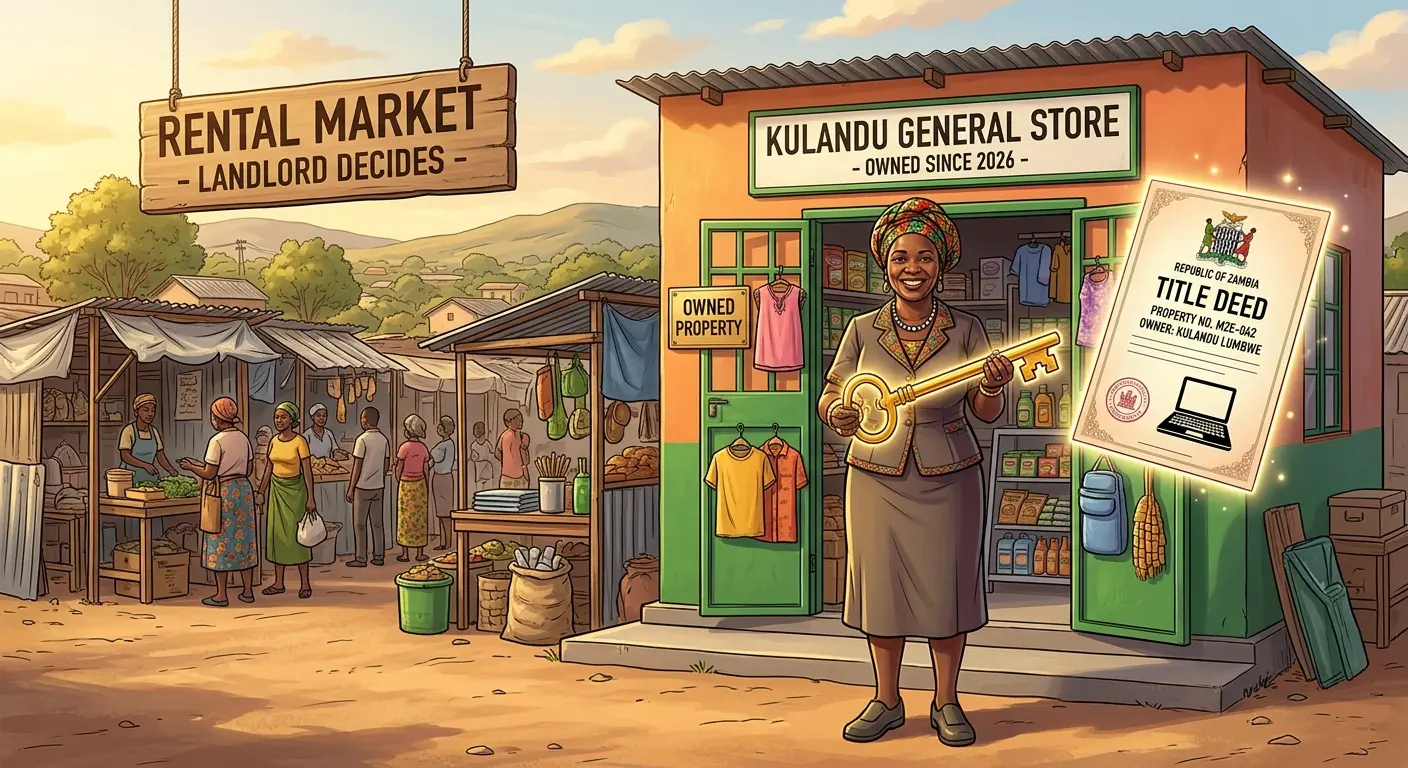
Imagine you wake up on a Monday, reach for your phone, and find that your business Facebook page has vanished. No warning, no explanation, just a polite message about "a violation" nobody can identify. Your customer list, your photos, your reviews, and three years of posts are gone.
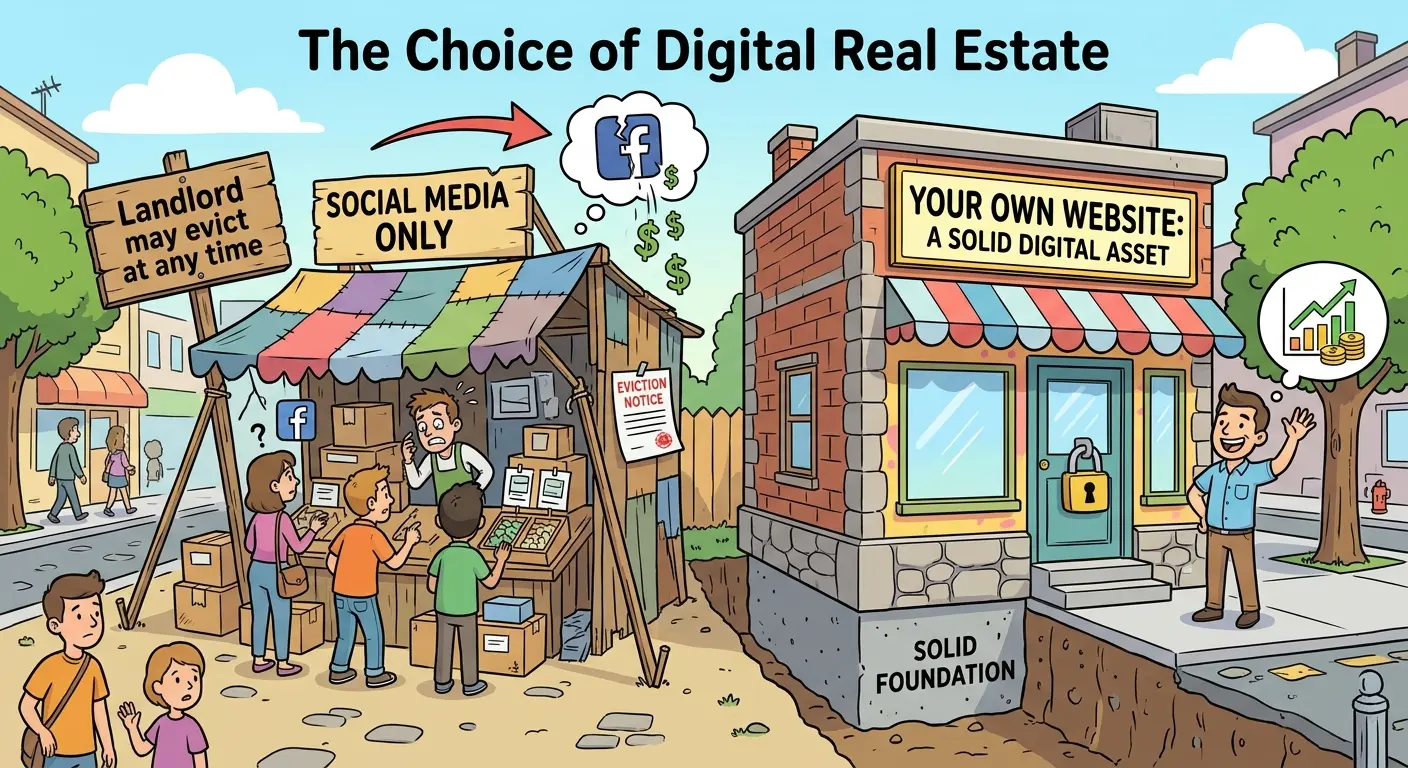
This is not a horror story invented to sell websites. Accounts get locked, hacked, and suspended all the time, and the people who own them rarely get a quick answer from a platform with millions of users. If your business lives entirely on someone else's platform, you are not the owner of that space. You are a tenant, and the landlord has never met you.
Let's talk about security in a way most business owners never hear it: not firewalls and acronyms, but ownership. A website is one of the few digital assets you can truly own, and treating it as one changes how you protect your business.
Two Kinds of Security (and Why Most People Only Think About One)
When people hear "website security," they picture hackers in dark hoodies. That is technical security, and it matters. But there is another kind that quietly decides the fate of more small businesses: ownership security.
Technical security asks: "Can someone break into my site?"
Ownership security asks: "Can someone take my business presence away, or can I lose access to it?"
Most Zambian entrepreneurs have never audited the second one. So let's do it right now.
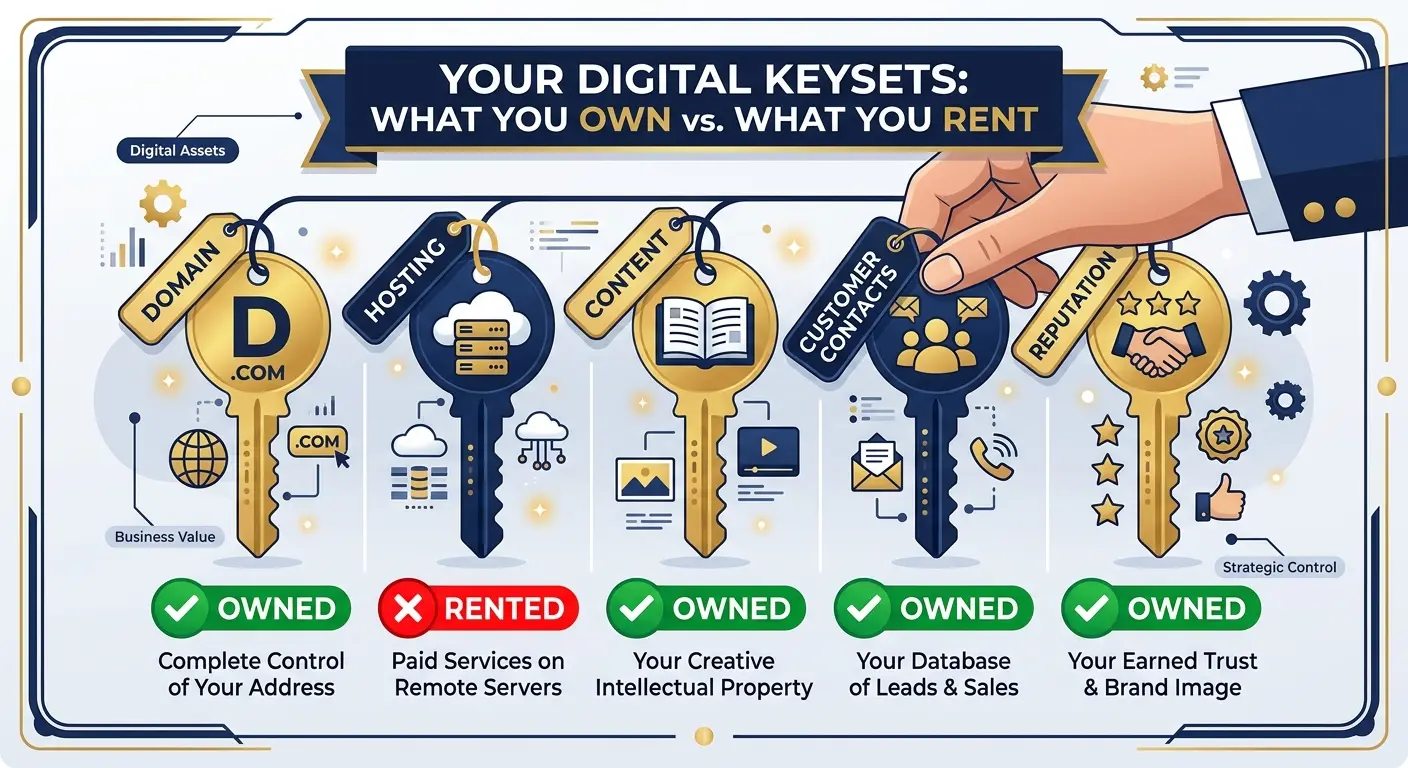
The Five-Asset Audit: What Do You Actually Own?
Grab a pen. Write down the five digital assets below and next to each one, answer a single question: "If this disappeared tomorrow, could I get it back?"
1. Your name (domain)
Your domain is your digital address. If it is registered in a developer's name, an ex-employee's email, or a cousin's account, then technically somebody else owns your address. Confirm that you are the registered owner, and keep the renewal date in your calendar.
2. Your premises (hosting)
Hosting is the plot where your website sits. Check that the account is in your business name and that you know who has the login. A host you cannot access is like a shop whose keys are held by a stranger.
3. Your content
Your photos, product descriptions, price lists, and blog posts are the stock in your digital shop. Do you have copies saved outside the platform? Content that lives only inside one app is content you are renting.
4. Your customer contacts
This is the big one. A follower on social media belongs to the platform. A name and email address collected through your own website's contact form belongs to you. If the platform vanished tomorrow, could you still reach your best customers?
5. Your reputation
Reviews, testimonials, and case results build trust slowly and can be lost quickly. Showcasing them on your own website means they stay with your business, no matter what happens to a social account.
Four "What If" Fire Drills
Big companies run fire drills. Small businesses should too, except yours takes five minutes and involves no running. Ask yourself:
What if my social media account is locked tomorrow? Do customers have another way to find and contact me? A website with your services, phone number, and WhatsApp link means your business stays visible while you sort things out.
What if the person who manages my online presence leaves? If one employee holds every password, your business has a single point of failure with a name tag. Keep a shared, secure record of logins that the owner can always access.
What if my phone is lost or stolen? Many businesses keep orders, quotes, and customer chats only on one phone. Your website's inquiry form can send every request to an email address you control, giving you a record that does not depend on a single device.
What if someone copies my brand? Imitators love businesses with no official home. A professional website with your verified details becomes the "source of truth" that customers can check.
If you answered "I'm not sure" to even one of these, that is not a failure. It is a to-do list.
Where Technical Security Fits In
Ownership is the foundation, but technical protection keeps the foundation standing. Here is the short version, with no jargon:
A security certificate (the padlock) encrypts what visitors send to your site and tells browsers you are trustworthy.
Regular backups let you restore your website quickly if something breaks.
Updates close the gaps that attackers look for.
Strong, unique passwords protect the front door. "Password123" is not a lock; it is a polite invitation.
A well-built site includes these from day one. If you are building or rebuilding, our list of the 10 non-negotiable features every small business website in Zambia must have shows what to ask for. And remember that speed is also a form of protection for your business: a slow site quietly loses customers, which is why it is worth reading how a $0 website overhaul cut load times by 80%.
An Asset That Grows While You Sleep
Here is the part accountants would appreciate. Most business expenses vanish once you pay them: print a flyer, and the value ends when the flyer ends. A website behaves differently. Every helpful page you publish, every review you collect, and every contact you capture adds to something that keeps working for you.
That is why a website is better described as a long-term asset than a monthly cost. It builds search visibility, keeps your customer list under your control, and works even when you are not. If you want to see how a website can become a revenue engine, read the salesperson who never sleeps, our guide on turning your site into a 24/7 revenue stream.
It also helps when the stakes are bigger. Banks, investors, and corporate clients often look at your online presence before they trust you with money or contracts. A professional website is easy to verify, easy to share, and shows that your business is organized enough to be taken seriously. When it is time to apply for funding, pitch a client, or even sell your business, an established digital presence adds weight to your story.
Your 15-Minute Digital Asset Check
Before this week ends, do these five things:
Confirm your domain owner and write down the renewal date.
Locate your hosting account and check that it is in your business's name.
Save a backup of your photos, product details, and key content outside any single platform.
Set up a way to collect contacts (an email or WhatsApp inquiry form) on your own website.
Store your passwords securely and make sure at least two trusted people can recover access in an emergency.
If you do not yet have a website, this checklist is your reason to start. The complete guide to web development services in Zambia shows you how the whole process works, from the first idea to launch.
Own Your Corner of the Internet
Social media is a wonderful place to meet people. It is a terrible place to keep your business. The smartest owners use both: platforms to attract attention, and a website to hold everything that matters.
Want to see what a professional website could add to your business? Explore the benefits of having your own website, and when you are ready for a plan that fits your business, book a free consultation. Because the best time to secure your digital property was before the landlord changed the locks. The second best time is today.